 01
01Realistic characters · UGC
AI CHARACTERS
A character speaks to camera and introduces a product in a familiar, personal format.
Explore the example ↗CREATIVE WORKFLOW · AT YOUR OWN PACE
Write it. Make the scenes. Put your ad together.
■ FORMATS FOR YOUR CREATIVE STRATEGY
For your business, your personal brand or your clients’ projects.
Change the message, characters or scenes to present what you sell.
Test a different first line or visual direction.
Consider the language, audience and tone of each market.
Plan before you generate. A clear brief makes it easier to compare creative ideas. See how generation costs work ↓
SEVEN WAYS TO TELL THE STORY
01AI CHARACTERS
A character speaks to camera and introduces a product in a familiar, personal format.
Explore the example ↗ 02
02A PERSONAL PRESENCE
Build a recognizable presence and decide how your own recording or another voice fits the edit.
Explore voice options ↗ 03
03STORIES TOLD IN SCENES
Let a voice carry the message while product images and small moments tell the story.
See the workflow ↗ 04
04ANOTHER WAY TO TELL IT
Give a message its own illustrated world, characters and visual rhythm.
See the workflow ↗ 05
05THE POWER OF CONVERSATION
Present a point of view as part of a relaxed, conversational scene.
Explore the example ↗ 06
06TWO VOICES, ONE FRAME
Turn a product question into a dialogue between two distinct characters.
See the workflow ↗ 07
07FROM REFERENCE TO YOUR IDEA
Study a compelling format, then make different choices for your own message and product.
See the workflow ↗An ad can be made from several short scenes. Review each take, choose what works, then assemble the clips into a continuous story.
The best format depends on the message you want someone to remember.
Try your own idea■ CREATIVE VARIATIONS
Notice what changes from one ad to the next: the opening, the character, the product moment and the way the message is delivered.
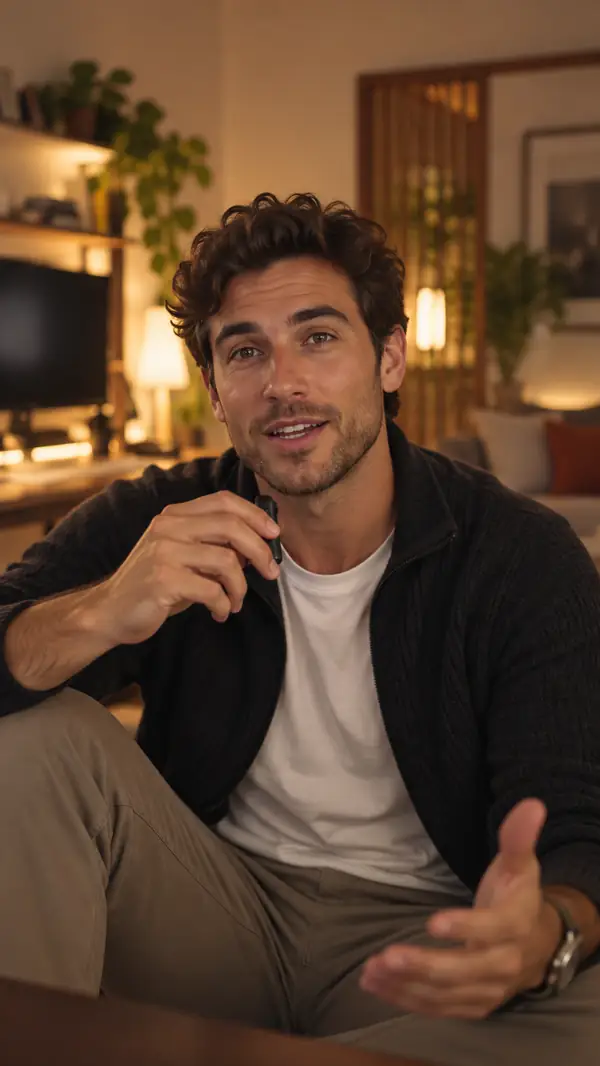
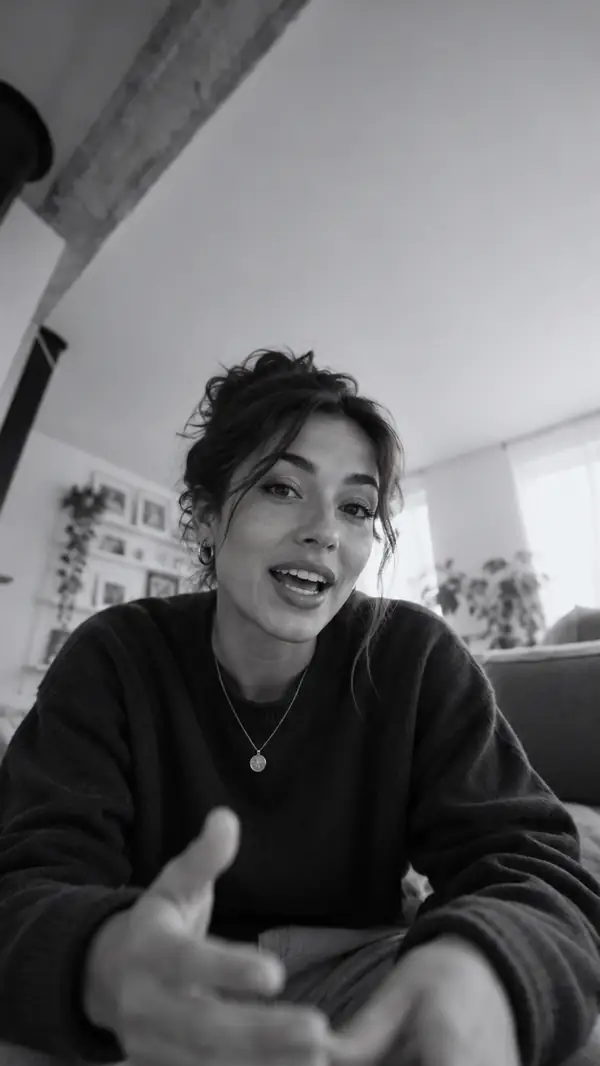
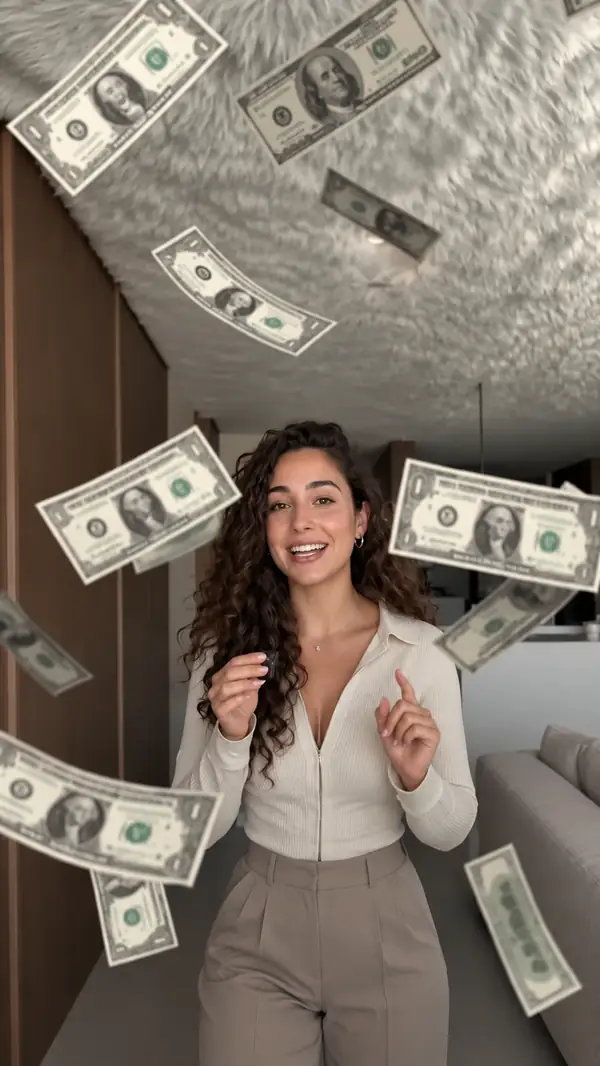
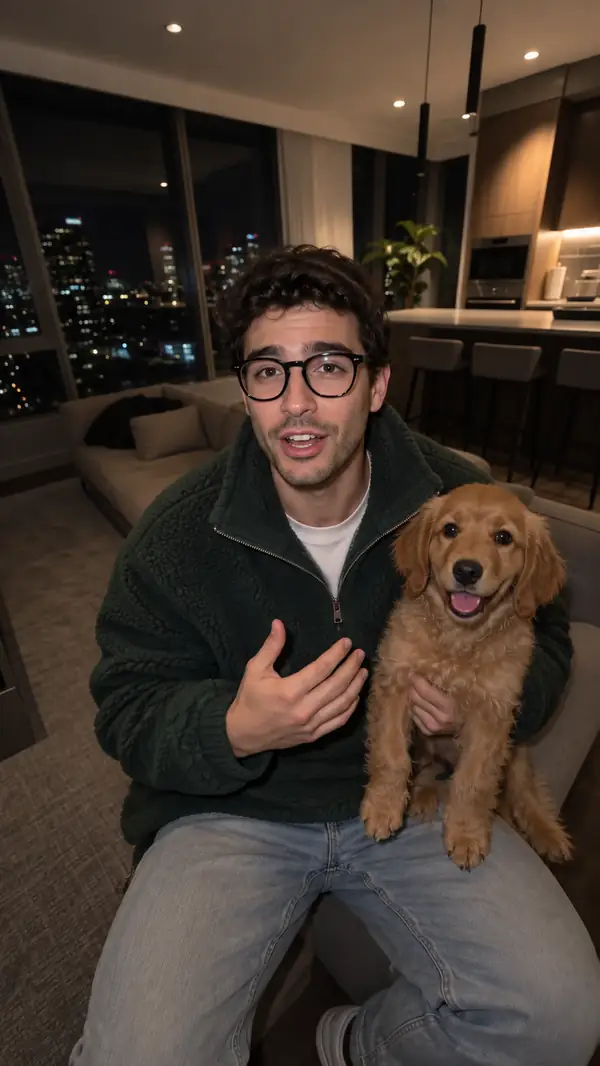
Four creative directions · swipe to explore
■ WHAT YOU LEARN, STEP BY STEP
Work on the message, develop the scenes and put the ad together. Then repeat the process with a different audience, character or format.
Explain what you sell and who needs it. Look for a specific idea worth putting at the center of the script.
Describe the audience, the opening, the product moment and the action you want viewers to take.
IDEA → SCRIPT
Choose who appears, where the scene takes place and what happens. Compare the takes before choosing one.
Specify the character, product, action and framing; adjust the description when a result misses the idea.
IMAGES → CLIPS
Join the short scenes, remove what you do not need and consider voice, music and on-screen text.
Make each scene lead naturally into the next, from the opening through the final invitation.
SHORT SCENES → AD
A process becomes useful when you put your own idea through it.
“The clearest part is seeing how the message, visuals and edit fit together.”
A practical principle for evaluating a creative workflow
■ A REAL EXAMPLE, BROKEN DOWN
Start with a character image and a product photo. Decide what happens in each scene before making a sequence of clips.
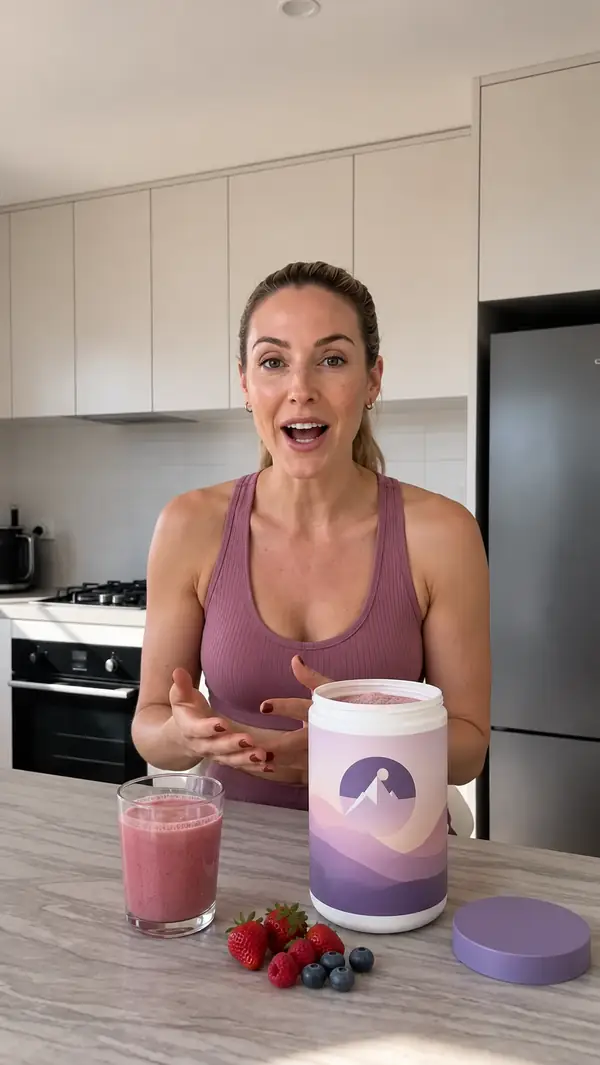
Plan images of the character holding the glass, preparing the drink and putting the container away.
Connect each spoken line to a visible action so the scene serves the message.
Review the movement, product details and continuity before assembling the short scenes.
Trim pauses and bring in captions and sound only where they help the story.
The number of clips in a finished ad is not necessarily the number of generation attempts. Images, discarded takes and revisions can also affect the cost. Understand the cost ↓
■ START WITH THE MESSAGE
Before making images, describe the offer and the person it is for. A clear brief can reveal the problem, the angle and the first line.
Illustrative example · a sample product
Your product and market.
That is where the analysis starts.
WHAT YOU WORK OUT FROM THE BRIEF
Explore desires, problems and objections before writing:
THE PROBLEM“I need a few minutes, and I end up handing over the tablet.”
WHAT THEY HAVE TRIED“Every toy keeps them busy for five minutes.”
WHAT THEY WANT“Something engaging that suits this age.”
Prepare the message for your next ad. Check every product claim you make, then turn the chosen angle into scenes.
■ A WORKFLOW YOU CAN RETURN TO
Keep the brief, the scene plan and your chosen takes together. Pause to compare what you made with what you intended, then return to the step that needs work.
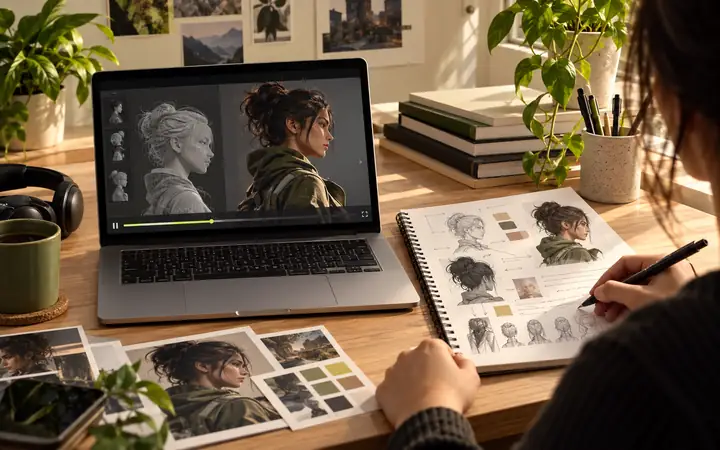
A lesson, its example and the materials for trying it belong together.
A guide can show you the decisions behind an ad. Actual image and video generation happens in the tools you choose and may have separate costs.
Revisit the brief, compare attempts and revise the scene rather than starting the entire idea over.
Name the scene, action or product detail you want to improve.
Translate the underlying idea, not just the words, when changing markets.
Know who the message is for.
Know what each shot needs to show.
Compare the results before editing.
Give the message a beginning and end.
YOUR FIRST SESSION
Making and reviewing images or clips takes additional time. Pause, try your idea and return to the point you want to improve.
Choose the tools you will use for the experiment.
Look at the instructions before adapting them to your ad.
Review the character, scenes and message as you go.
■ BEFORE GENERATING IMAGES AND CLIPS
External AI tools may charge for each image or video attempt. Check the current price in the tool you use before generating; your final budget depends on the scenes and the attempts.
LIKE PLANNING A PRODUCTION
Every generation is an experiment. Set a budget, check the tool’s current terms and decide which results are worth keeping.
Understand a tool’s charges before you begin.
An attempt may be charged even if you do not use it.
Change the instruction with a specific improvement in mind.
AN ILLUSTRATIVE BUDGET CHECK
Per attemptReview the price shown by your chosen tool.
Each attempt can use part of your budget.
The finished video cost depends on everything you generated, including takes you did not keep.
This page does not sell generation or display live tool pricing. Confirm current rates with the provider you choose.
Choose the voice approach that fits the creative and the tools available to you.
■ YOUR NEXT STEP
A REASON TO BEGIN WITH A PLAN
Testing a new opening or character is most useful when you know what you are comparing. Begin with the message; change one creative choice at a time.
Tool capabilities and generation prices change. Check them directly before committing to a production plan.
THE CREATIVE LOOP
The goal is a message and a sequence that work together—not simply more generations.
MESSAGE · SCENES · EDIT
Take an idea through the whole creative process: define the audience, plan the action, compare visual directions and finish the sequence.
Continue to the creative platform to explore its current tools and terms.
Find a useful angle.
Compare the scenes.
Build the complete ad.
The brief, script, visual instructions, take selection and edit are the stages described on this page. Check the destination for what its tools currently provide.
The form sends your idea to the destination platform. Nothing is generated on this page.
External generation, editing or voice tools can have their own prices. Review their current terms before use.
REALISTIC CHARACTERS
Explore a direct-to-camera format built around a person, a point of view and a product moment.
Explore realistic adsAN ANIMATED WORLD
Consider characters, environments and a visual style that would be difficult to film.
Explore animated adsAvailable features and charges are determined by the destination platform, not by this page.
■ LOOK CLOSELY AT THE PROCESS
Creative examples are most useful when you can see the decisions behind them. Look at what the opening promises, what the scenes demonstrate and how the edit closes.
Go back to the example and trace the steps that produced it.
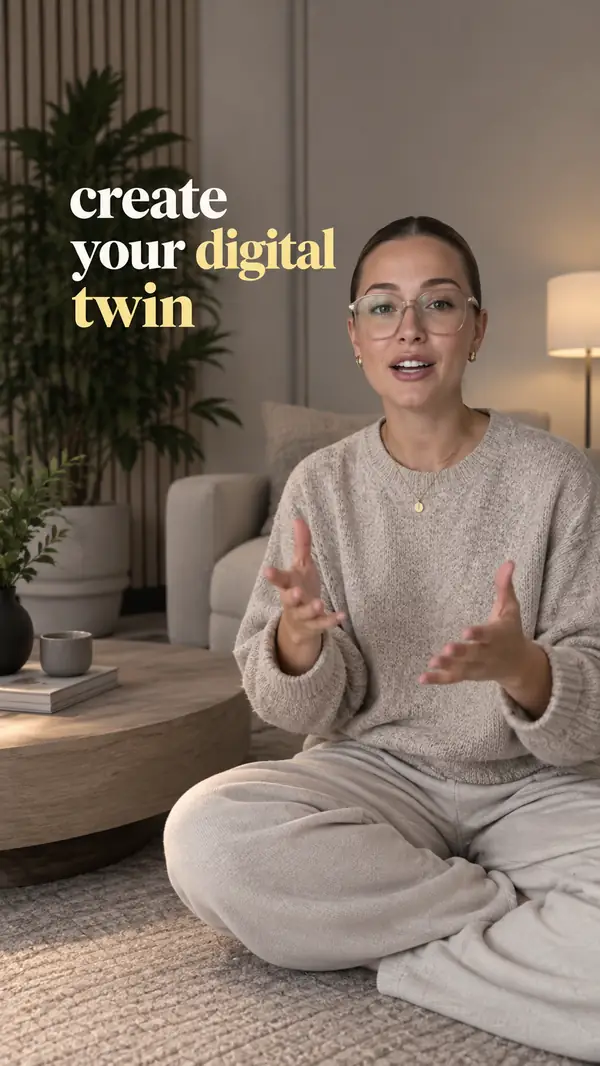
A clear opening gives the viewer a reason to keep watching.
Useful scenes make the message visible rather than repeating it.
Finish with an invitation that fits the story you have told.
■ BEFORE YOUR FIRST AD
Yes. Begin with your audience and message, then plan one simple scene. Check the instructions and costs of any tools you decide to use.
The planning questions apply to many products and services. Your actual claims, examples and scenes should fit your own offer.
You can plan a client’s message and scenes. Make sure you have permission to use their brand assets and any person’s likeness or voice.
No. A voiceover, product-led sequence or animated concept can tell the story without you appearing on screen.
You can send an idea from this page on a phone. Check the destination platform for its current creation and editing options.
Yes. Plan several scenes and assemble the selected clips in an edit. Each generation attempt may have a separate cost.
Plan the message for the audience first. Voice and language options depend on the tools you choose.
The form takes you to the destination creative platform with the idea you entered. This page does not generate a result.
Review the current features, prices and usage terms directly on the platform before creating.
Use voice cloning only with the speaker’s informed permission and check the tool’s requirements.
Use the language that best serves the people you want to reach, and review the final wording carefully.
Describe what you sell, who it helps and the single point your first ad should make.
FOR YOUR BUSINESS OR CLIENTS
For your business, personal brand or clients: start with the message, explore the scenes and bring the best parts together.
Start creating an adYour idea opens on the creative platform.